
What does Kong Kong King King King mean?
It is an onomatopoeic nickname: viewers remember the exaggerated beat sounds from a comedy sketch with Stromae and Jamel Debbouze. Searching for the phrase often leads to the one-keyboard, two-performer scene. The phrase is a way to identify the clip, not the name of a separate AI model.
These names often refer to AI remakes of the same white-studio keyboard comedy scene featuring Stromae and Jamel Debbouze. Kong Kong King King King recalls the beat sounds, while Alors on Danse is the associated song and trend name.
Where did the original scene come from?
The source is a scripted scene from Made in Jamel (2010) with Stromae and Jamel Debbouze, in a bright white studio with a compact keyboard and laptop. The contemporary Kong Kong King King King AI meme and Alors on Danse AI video reuse the recognizable setting and contrasting roles, not necessarily licensed original footage or music.
Independent creative tool. Not affiliated with or endorsed by Stromae, Jamel Debbouze or other rights holders.
How to create the Kong Kong King King King AI video
You do not need to search for or upload the original clip. Our dedicated generator already has the reference performance. Follow these three steps:
Upload Two Photos
Upload one clear portrait for each role. Photo 1 is the keyboard player; Photo 2 is the expressive partner.
Use the Alors on Danse Template
The white-studio scene, two-person movement and role timing are already built into the template. No prompt is required.
Generate Your Video
Generate the video, preview the finished result in your browser and download it.
See a generated example and the reference scene
See How Two Photos Become an Alors on Danse AI Video
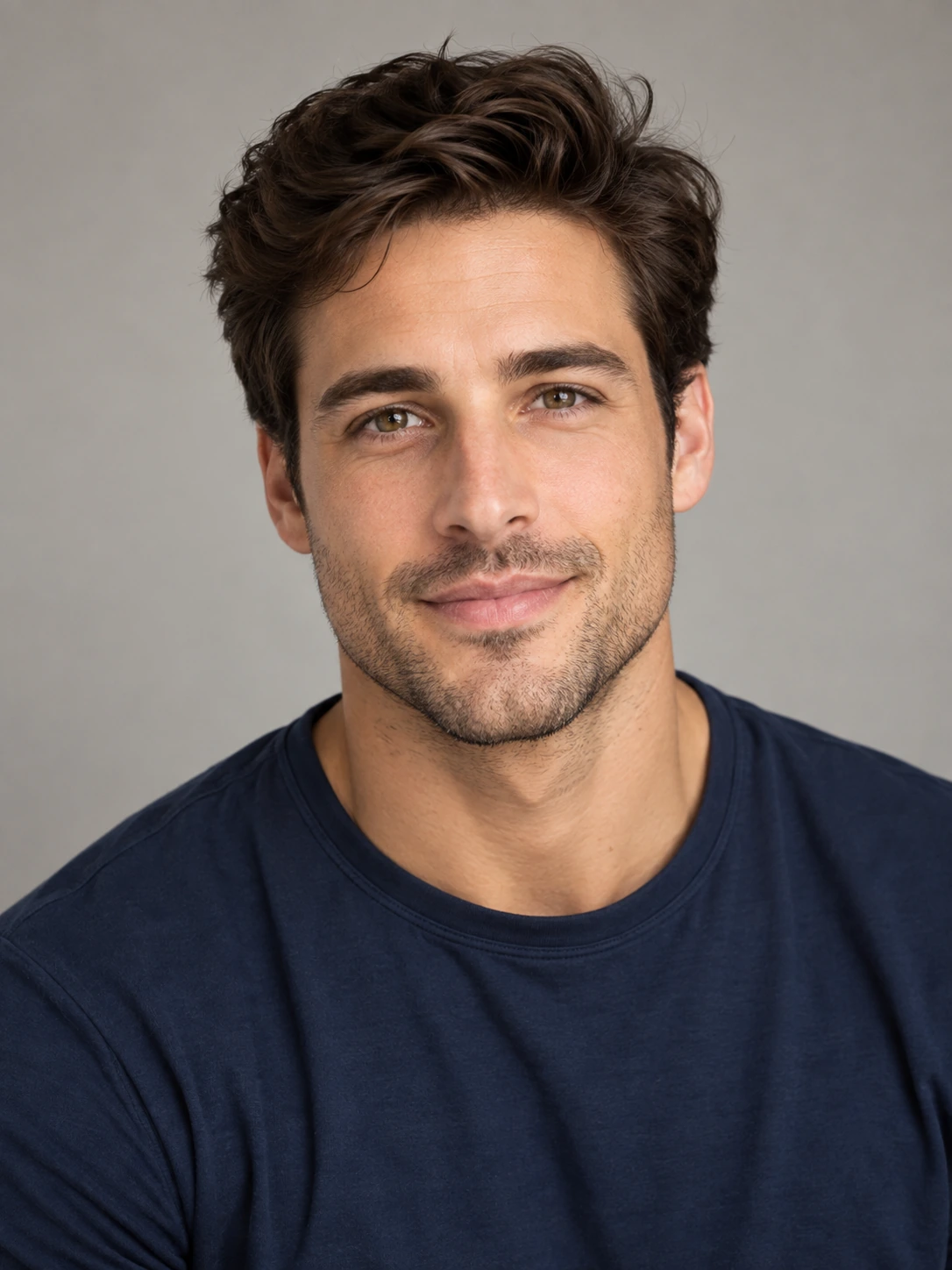
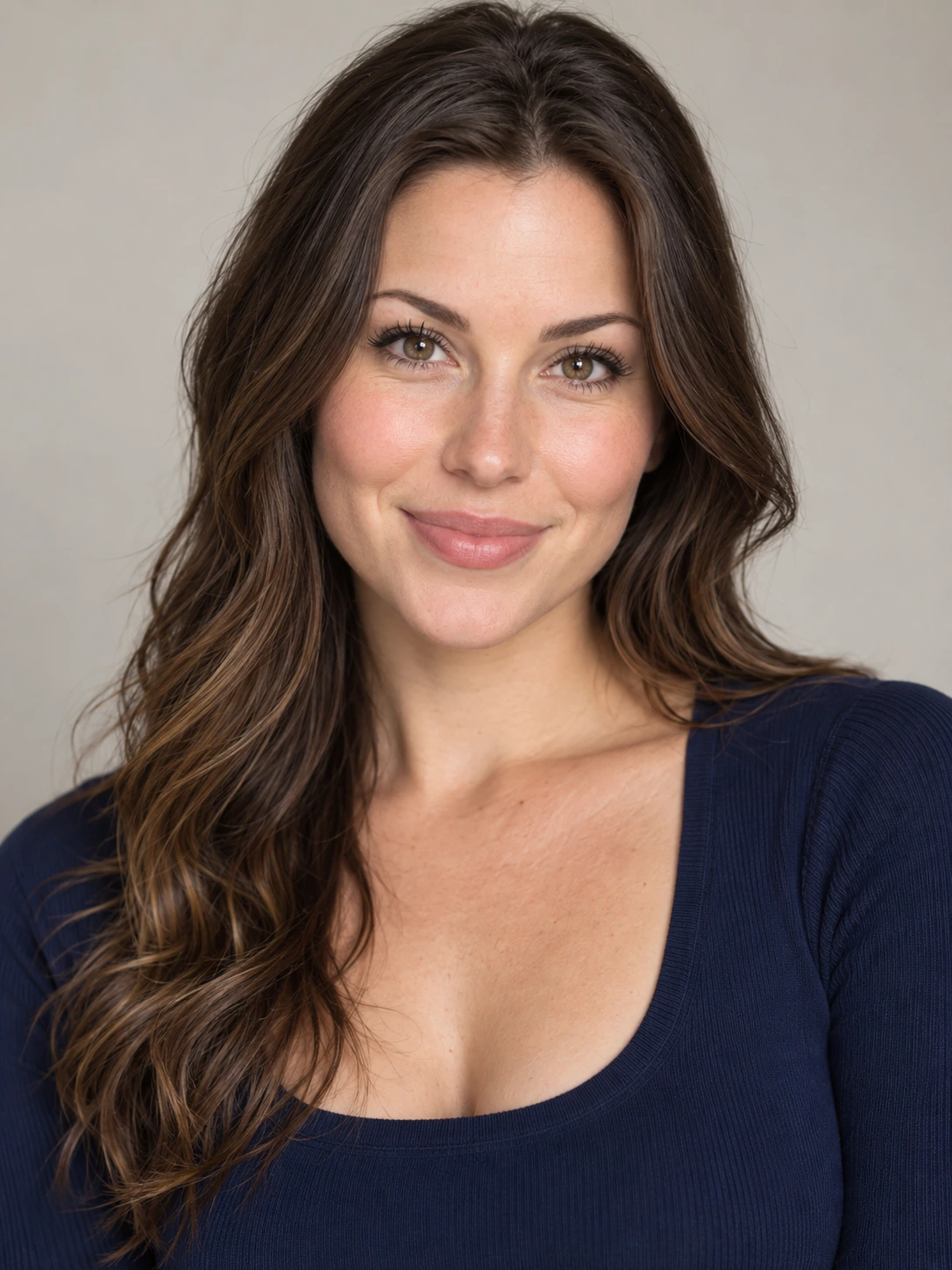
Generated from the two portraits shown on the left.
Made in Jamel · 2010
Which photo becomes which person?
Photo 1 controls the calmer keyboard player. Photo 2 controls the more animated partner who gestures and reacts to the rhythm. If the roles look reversed, swap the uploaded portraits before generating.
Which photos work best?
Use one clearly visible face in each photo, with good light and minimal blur. Two separate portraits work; the people do not need to appear in the same original picture. Avoid cropped faces, large obstructions and crowded group photos.
Use photos and likenesses you have the rights and permission to use.
Is the Kong Kong King King King generator free?
No. Generation uses paid Credits and the same one-time plans as our Alors on Danse homepage. It generates a fixed 16-second, 16:9 video and offers 480p, 720p and 1080p. Check the live Pricing page before buying; higher quality uses more Credits.
Starter
$9.9950 Credits
1 × 720p
Creator
$19.99105 Credits
2 × 720p
Studio
$29.99160 Credits
3 × 720p
Kong Kong King King King questions
Is Kong Kong King King King the same AI trend as Alors on Danse?
These names often refer to AI remakes of the same white-studio keyboard comedy scene featuring Stromae and Jamel Debbouze. Kong Kong King King King recalls the beat sounds, while Alors on Danse is the associated song and trend name.
What is the Kong Kong King King King AI video?
It is an AI recreation of the two-person keyboard comedy scene associated with Stromae and Jamel Debbouze. You can make your own version using two portraits.
Is Kong Kong King King King the same as Alors on Danse?
For this AI meme, yes: both names commonly identify the same white-studio performance format. You do not need a different template.
Do I need the original video to make it?
No. The reference performance and timing are built into the generator. Upload your own two portraits; generation uses paid Credits.