
Is this the white-studio keyboard video you saw?
You may not know the name: two people are in a bright white room with a small keyboard and laptop. One stays by the keyboard while the other gestures dramatically to the beat. People call it the Alors on Danse AI video, Stromae and Jamel meme, or white-studio keyboard trend. Our tool creates a new version with your chosen photos; it does not edit the original footage.
Three clues to identify the trend
- A bright, mostly white studio with a compact keyboard and laptop.
- Two contrasting roles: a calmer keyboard player and an energetic partner.
- A reference to Stromae and Jamel Debbouze, rather than a generic dancing filter.
The source scene is a scripted comedy sketch featuring Stromae and Jamel Debbouze in Made in Jamel (2010), not documentary studio footage. The current AI trend keeps that familiar two-person setup while recasting both roles with new people, characters or animals.
Independent creative tool. Not affiliated with or endorsed by Stromae, Jamel Debbouze or other rights holders.
How to Make an Alors on Danse AI Video
You do not need to film yourself, find a source clip or write an AI prompt. The generator has a fixed two-person scene. Use these steps:
Upload Two Photos
Upload one clear portrait for each role. Photo 1 is the keyboard player; Photo 2 is the expressive partner.
Use the Alors on Danse Template
The white-studio scene, two-person movement and role timing are already built into the template. No prompt is required.
Generate Your Video
Generate the video, preview the finished result in your browser and download it.
If prompted, sign in and purchase enough Credits before submitting. Payment adds Credits; it does not automatically generate a video. Once the task finishes, preview the result and download it from the generator.
Create your videoA real result from two separate portraits
These two portraits were used to create the video on the right. The first person plays the keyboard; the second becomes the expressive partner. This is an actual AI-generated example, not the original scene.
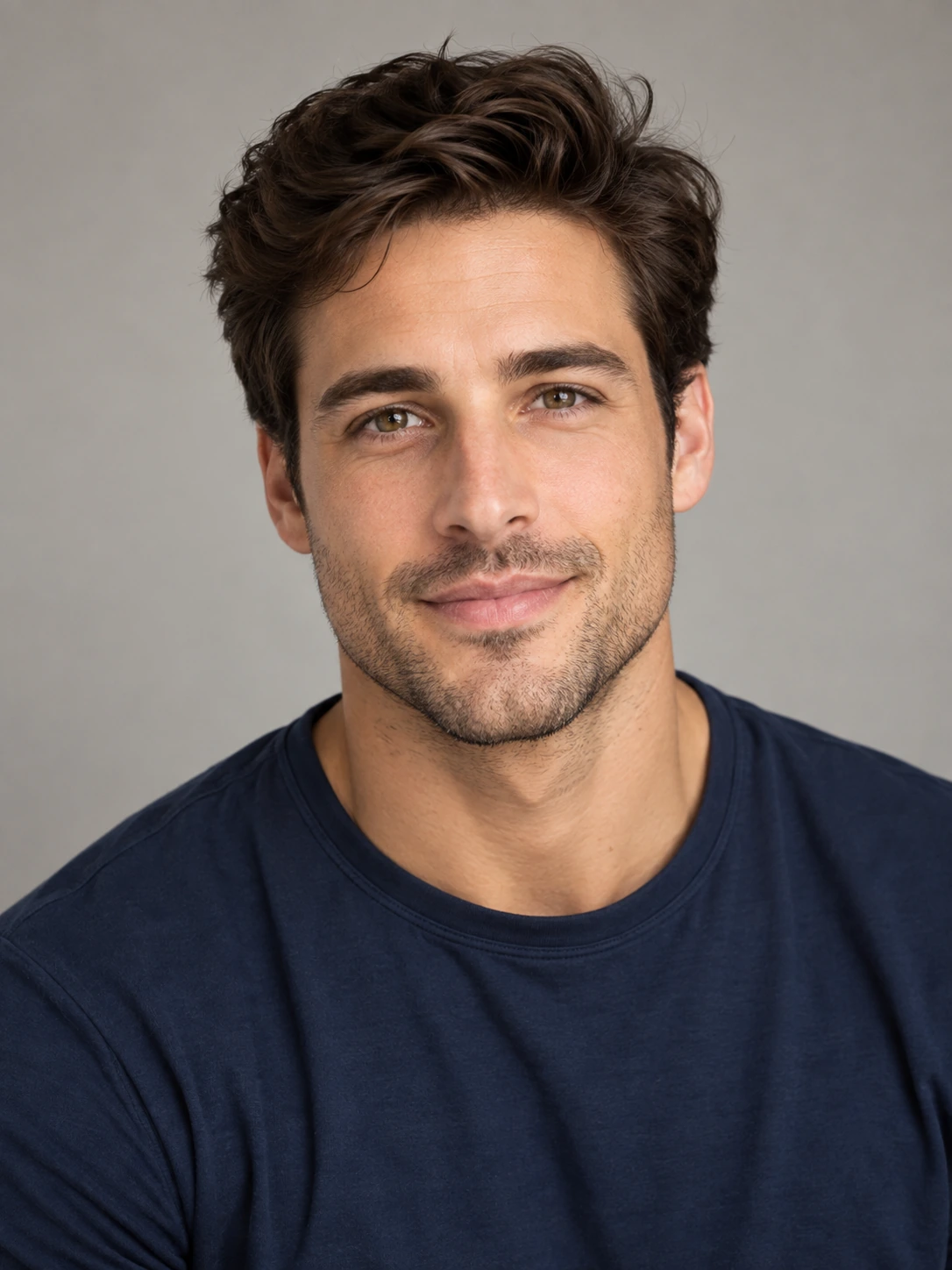
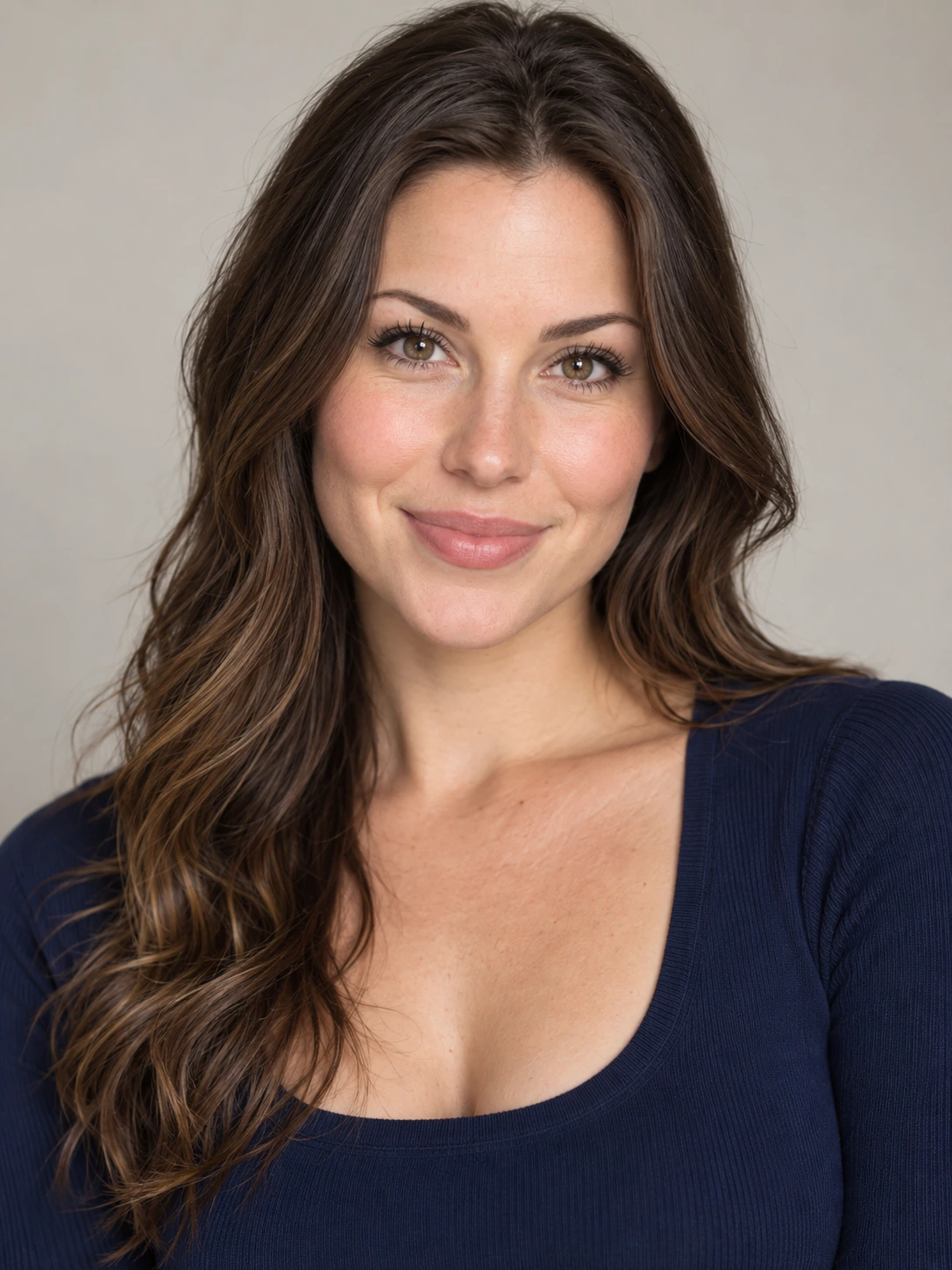
Generated from the two portraits shown on the left.
Choose better photos and assign the correct roles
The two photos are not interchangeable: each one maps to a different role in the final video.
1. Keyboard Player
The calmer role at the compact keyboard and laptop.
2. Expressive Partner
The more animated role — often called the hype partner — with gestures, reactions and camera-facing movement.
What Photos Work Best?
- Use one clearly visible person in each photo
- Prefer front-facing or slightly angled portraits
- Use good lighting and avoid heavy blur or occlusion
Use photos and likenesses you own or have permission to use.
Video length, quality and one-time cost
Every generation uses a fixed 16-second, 16:9 template. The default is 720p. Choose another resolution if you prefer; different resolutions consume different Credits. These are the live product packs, not a free trial:
Starter
$9.9950 Credits
1 × 720p
Creator
$19.99105 Credits
2 × 720p
Studio
$29.99160 Credits
3 × 720p
- 480p — 25 Credits
- 720p — 50 Credits
- 1080p — 125 Credits
The listed counts assume 720p for every video and are calculated from the current Credit configuration. Credits from the current one-time packs do not expire. Applicable taxes may vary.
See live pricing and Credit rulesDoes it include the music?
The generator labels its preset as including sound. Play your completed file to verify the audio before posting it. This independent tool does not promise a licensed copy of the original commercial recording or rights to reuse it on social platforms.
Common issues before and after generation
The two people appear in the wrong roles
Photo 1 controls the keyboard-player role; Photo 2 controls the more animated partner. Swap your photos if you want to reverse the roles.
The face looks soft or inconsistent
Try a sharp, well-lit portrait with one visible subject and minimal obstruction. AI-generated likenesses can still vary; results are not guaranteed.
The generation fails or seems stuck
Check the task status and your Credit balance before paying again. Failed tasks return Credits under the existing task policy. If your balance or result does not recover, contact support.
Questions people ask about this video
How many photos do I need?
Two photos: one clear portrait for each person in the final video.
Can I use two photos taken separately?
Yes. The two people do not need to be together in one photo. Upload one clear portrait for Photo 1 and another for Photo 2, even if they were taken on different days or in different places.
Do I need to install an app or download a template?
No. Use the generator in your browser. The Alors on Danse scene template is built in, so there is no app to install or template file to download.
Do I need to write a prompt?
No. The scene and performance structure are built into the template, so the main input is your two photos.
What is the viral AI video with two people at a keyboard in a white room?
It is commonly called the Alors on Danse AI or Stromae and Jamel video trend. It references a scripted scene from Made in Jamel (2010), with a keyboard player and an expressive partner.
Can I create this video with pets or illustrated characters?
The website showcases character and parrot examples generated with its preset. You can try suitable photos, but output quality and the identity of the subjects may vary.
What if my video fails to generate?
A failed job returns Credits under the task policy. Check your task history and balance, then contact support if the result or Credits are missing.